
How to use sewing patterns with a projector
Printing pages, taping them together, cutting them out: that can easily take an hour before your scissors even touch the fabric. With a projector you project the pattern straight onto your fabric and start cutting right away. Every Ba.binaa pattern comes with its own projector file.
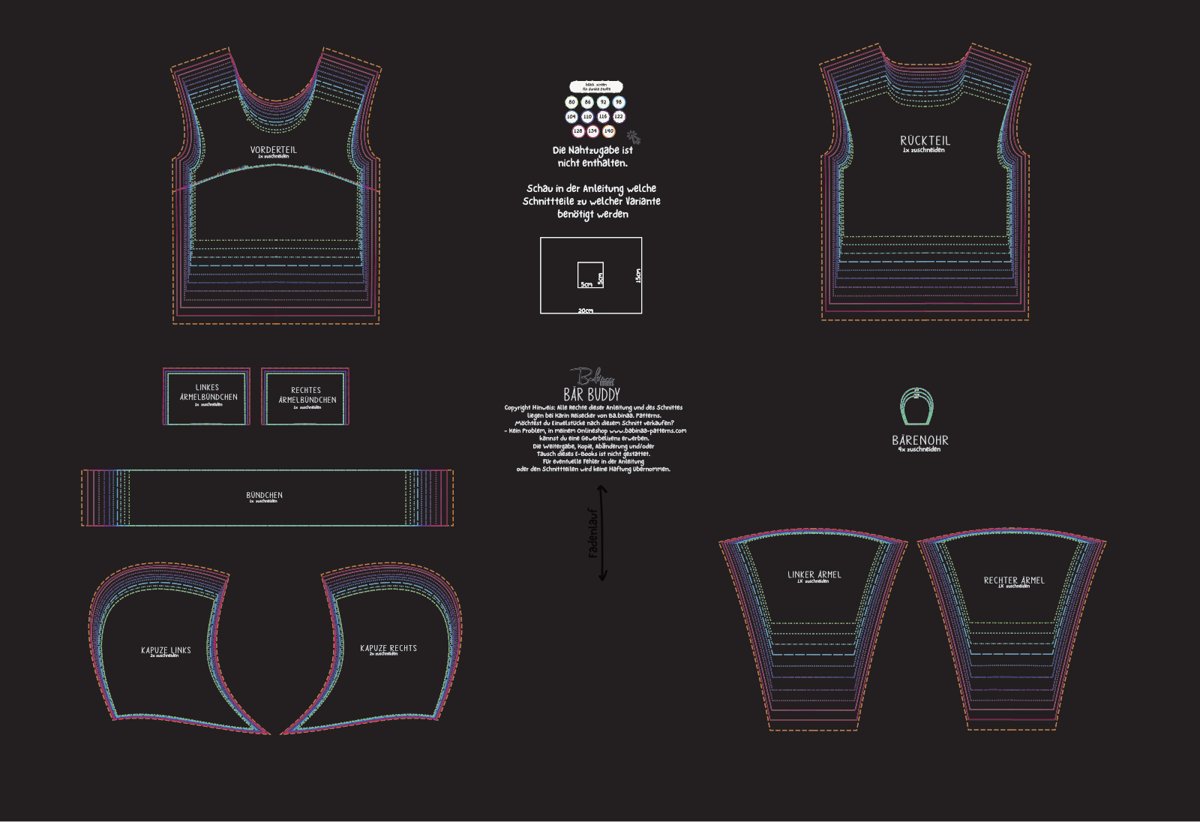
What you need
- A projector above your cutting table. A short-throw projector works best: it creates a large image from a short distance. That suits normal ceiling heights, and you stand less in your own shadow while cutting. Mount it firmly on the ceiling, wall or a tripod so the image doesn't shift.
- A cutting mat with a grid. It helps with calibration and protects your table when you use a rotary cutter.
- A laptop or tablet with the free Adobe Reader, so you can show and hide layers.
Step 1: Calibrate the projector
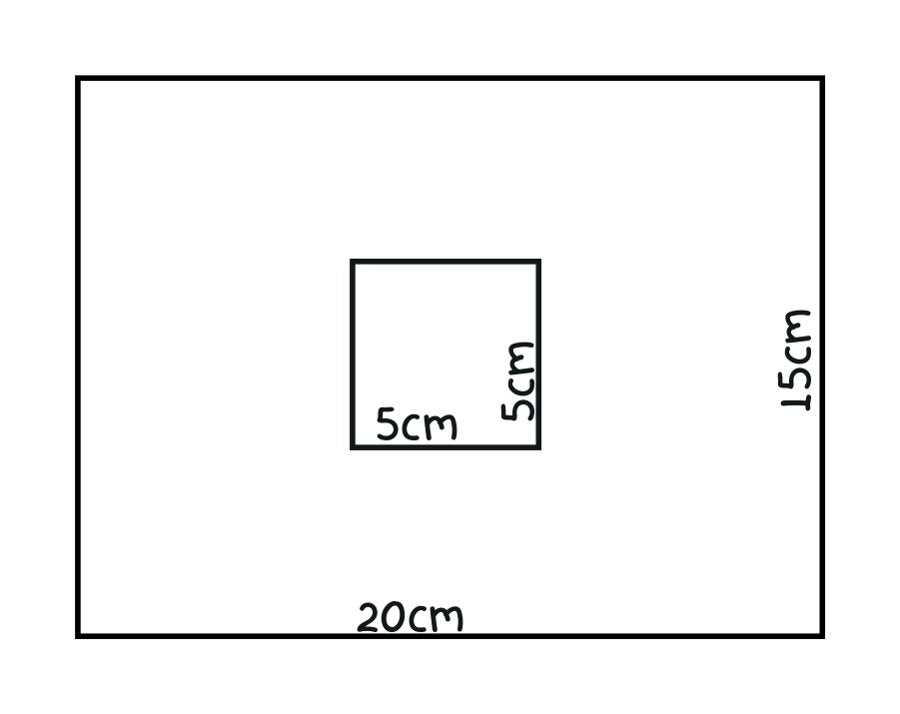
To make the pattern appear at its true size on your fabric, you set up the projector once. Our projector files include a calibration field: a 20 × 15 cm rectangle with a 5 × 5 cm square inside. Project the file onto your cutting mat and adjust the zoom until both measurements match on the mat.
Check the corners too: if they aren't right angles, the projector is tilted. Most projectors have keystone correction for this. Write down the zoom level – as long as the projector doesn't move, you can simply set it again next time.
Step 2: Show only your size
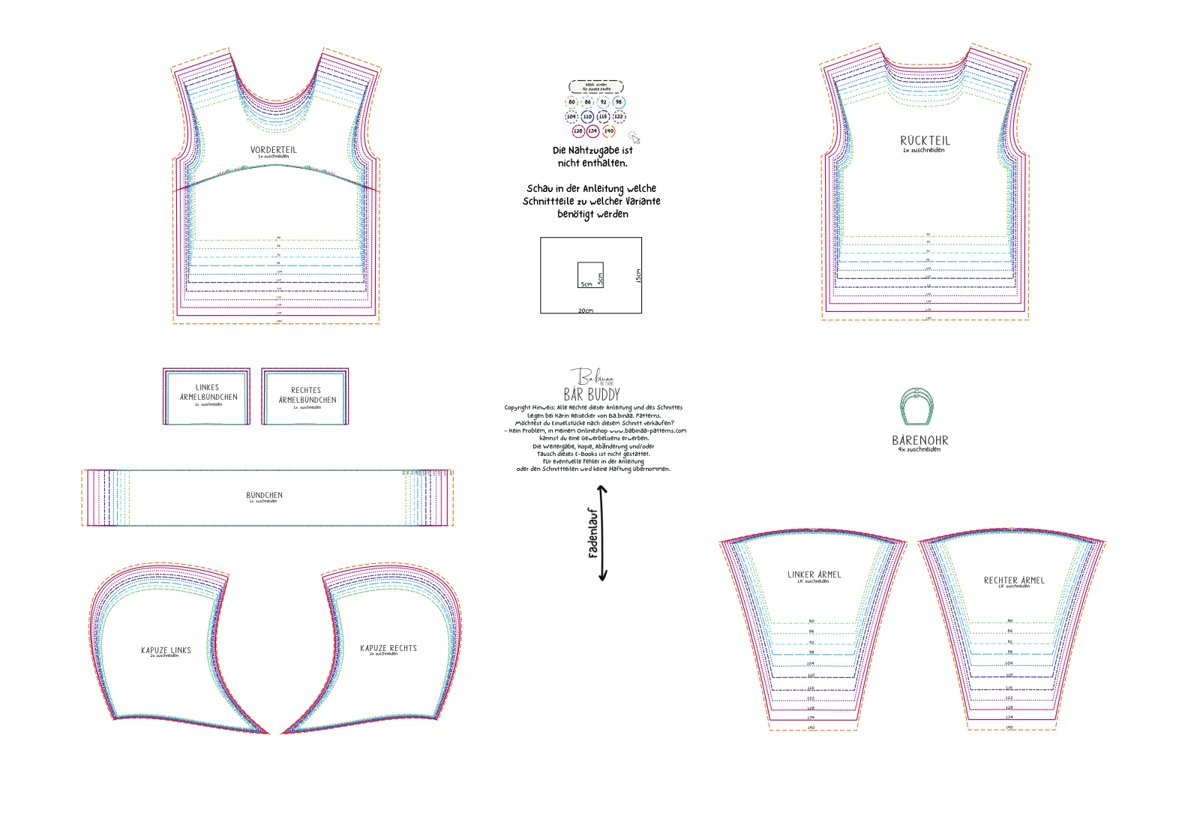
Our files are layered. In Adobe Reader, open the layers icon on the left and click the eye to hide all sizes you don't need. That way you only see your line and can't cut the wrong one.
Step 3: Turn on the black screen
Every projector file has a "Black Screen" layer. Turn it on and the background goes black while only the lines light up. The fabric is barely lit and the lines stand out clearly – especially helpful on dark and patterned fabrics. Hide the "Information" layer at the same time so only the pattern pieces are visible.
Step 4: Lay out the fabric and cut
Lay your fabric out smoothly with the grain running the right way. In the projector file the pattern pieces are drawn in full – pieces you would cut on the fold with a paper pattern appear here as one whole piece. So you cut single layer, straight along the projected line, with a rotary cutter or scissors. Transfer markings such as notches right away with chalk or a fabric marker.
If you project the A0 file instead, the pieces are set up with a fold line just like the paper pattern.
Tips from our sewing room
- Darken the room: the darker the room, the better you see the lines – together with the black screen even on dark jersey.
- Practise first: try the projector with a free pattern, for example our free headband pattern Ann.aa. You'll find all free patterns in our freebook library.
- Check again after moving it: if the projector was moved, project the calibration field and measure again.
Frequently asked questions
Which projector is best for sewing?
A short-throw projector is ideal because it projects a large image from a low height. It should be mounted firmly and have keystone correction.
Do I need special software?
No. The free Adobe Reader is enough, because you can show and hide sizes and the black screen using the layers.
What about pieces cut on the fold?
Not in the projector file: the pieces are drawn in full, so you cut them single layer.
Prefer paper? Every Ba.binaa pattern also includes A4, US Letter and A0 files – we show you how to print and tape them in How to print and tape PDF sewing patterns. Find your next project in our sewing pattern overview.